
Guide · Oct 14, 2026
Put the live XBT price on your phone’s home screen in a minute
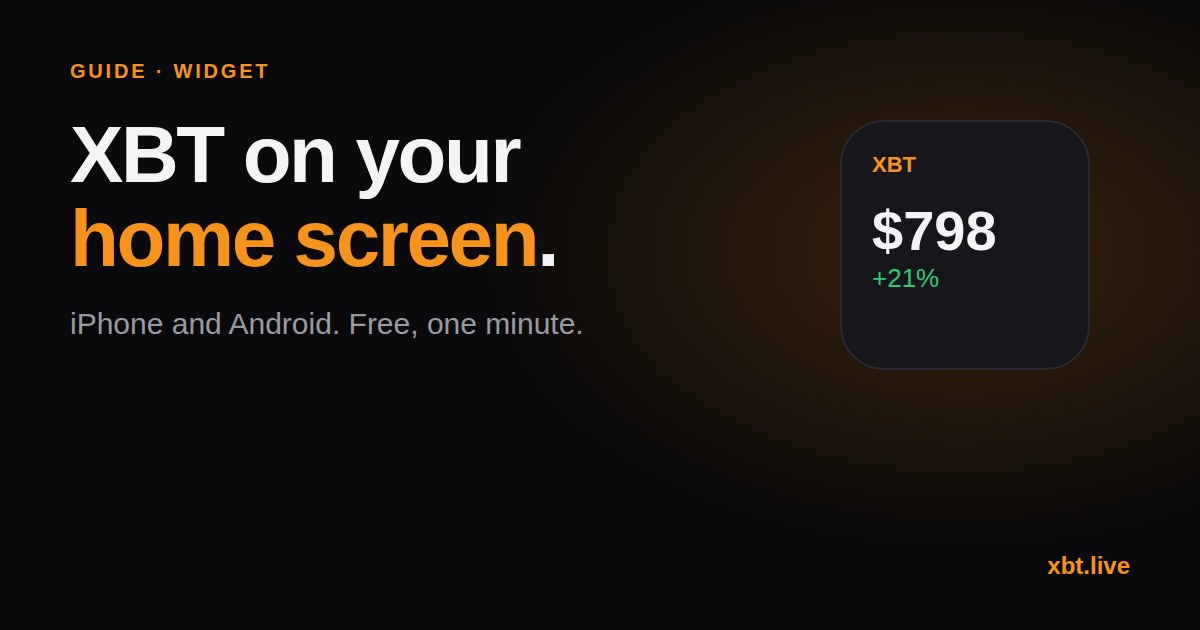
About 160 phones refresh the xbt.live widget every day. It's free, takes a minute to set up, and needs no account. Here's how to put the live XBT price, latest blocks, pool share or hash rate on your home screen.
iPhone and iPad
- Install the free Scriptable app from the App Store.
- On xbt.live/widget, tap Copy script. (In the X app? Tap ⋯ and choose Open in Safari first, or copying won't work.)
- Open Scriptable, tap +, paste, then tap the title and name it XBT. Tap Done.
- Long-press your home screen, tap Edit, then Add Widget, pick Scriptable and a size.
- Long-press the new widget, tap Edit Widget, and set Script to XBT.
It works on the lock screen too.
Four views, one script
Add more Scriptable widgets with the same script and type one word in the Parameter box:
| Parameter | Shows |
|---|---|
| (empty) | Price, 24h change and XBT/BTC |
| blocks | Latest blocks, who mined them, how long ago |
| pools | Top pools by share of blocks this week |
| hash | Hash rate and the next difficulty change |
| sats | Price widget, with XBT priced in sats |
Android
- Fastest: open xbt.live in Chrome and tap Install (or ⋮ then Add to Home screen). You get an icon that opens straight to the live price.
- Real widgets: download the free xbt.live Android app from the widget page. It has four widgets: price, blocks, pools and hash rate. It isn't on the Play Store yet, so Android will ask you to allow the install.
- Community option: Kilombino's XBT widget on Zapstore, linked from the same page.
For builders
The widget reads one small public endpoint you can use too, with no key: see the XBT API.
No tracking, no account. Not financial advice.
Have an XBT story? Write for xbt.live.